

This guide will help you learn how to Move Player Data onto your Hytale Server.
Click here to order your Hytale server with Citadel Servers today!
Managing a server isn’t just about building worlds; it’s also about keeping your players’ progress safe and accessible. Whether you’re migrating to a new setup, restoring backups, or simply organizing your community, knowing how to transfer player data is essential. In this guide, we’ll walk through the process of moving player data onto your Hytale server, explain why it matters, and highlight best practices to ensure a smooth transition. By the end, you’ll be ready to keep your players’ adventures intact without missing a beat.
(NOTE: This guide focuses solely on uploading player data to a server. For instructions on uploading worlds, please refer to our separate guide.)
Transferring Player Data on your Hytale Server
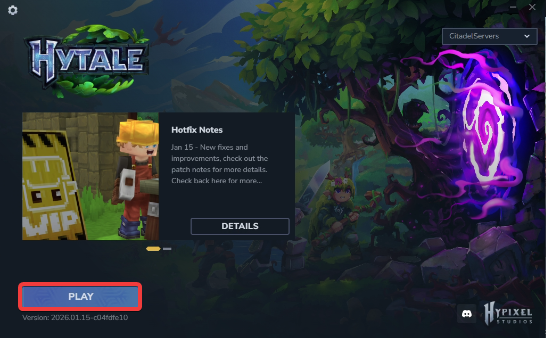
1. Launch the game.
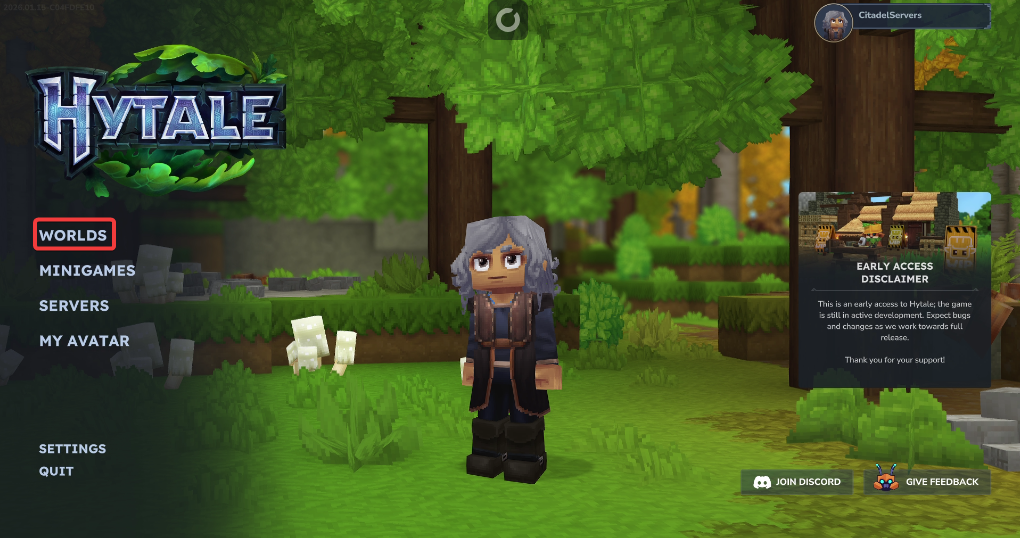
2. Open the World's Menu.
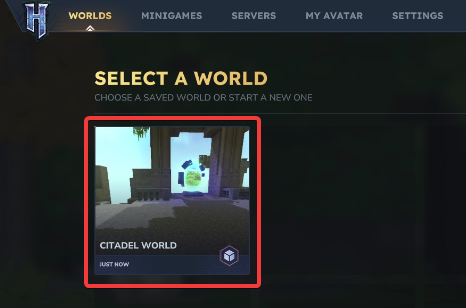
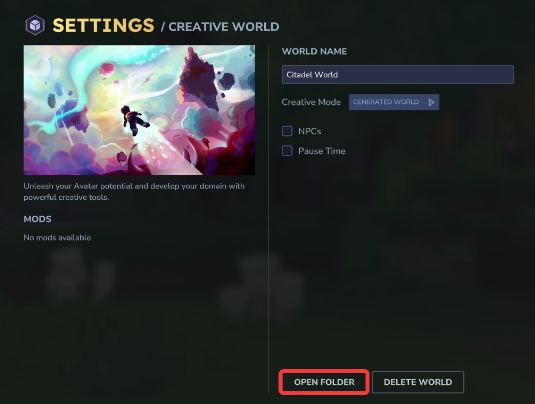
3. Simply right‑click the world you want to work with.
7. Before making any modifications, stop the server from running by clicking the Stop button.

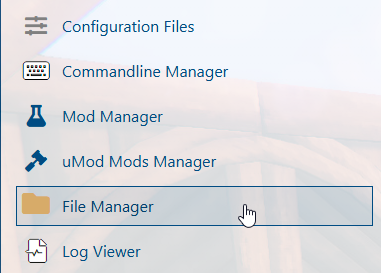
8. Navigate to the File Manager Tab.
9. On the File Manager tab, look for the universe folder.
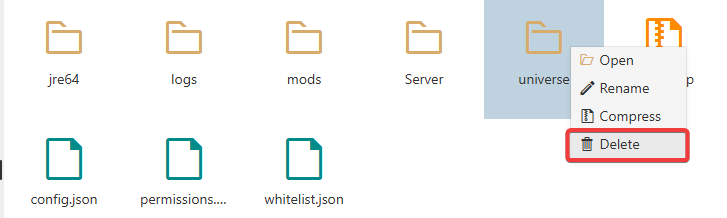
10. Upload both the players folder and the memories.json file by dragging and dropping.
When transferring files, we highly recommend using FTP tools such as Filezilla.
11. Start the server.

Did the above information not work for you?
Please click here to contact our support via a ticket.